Blog Details
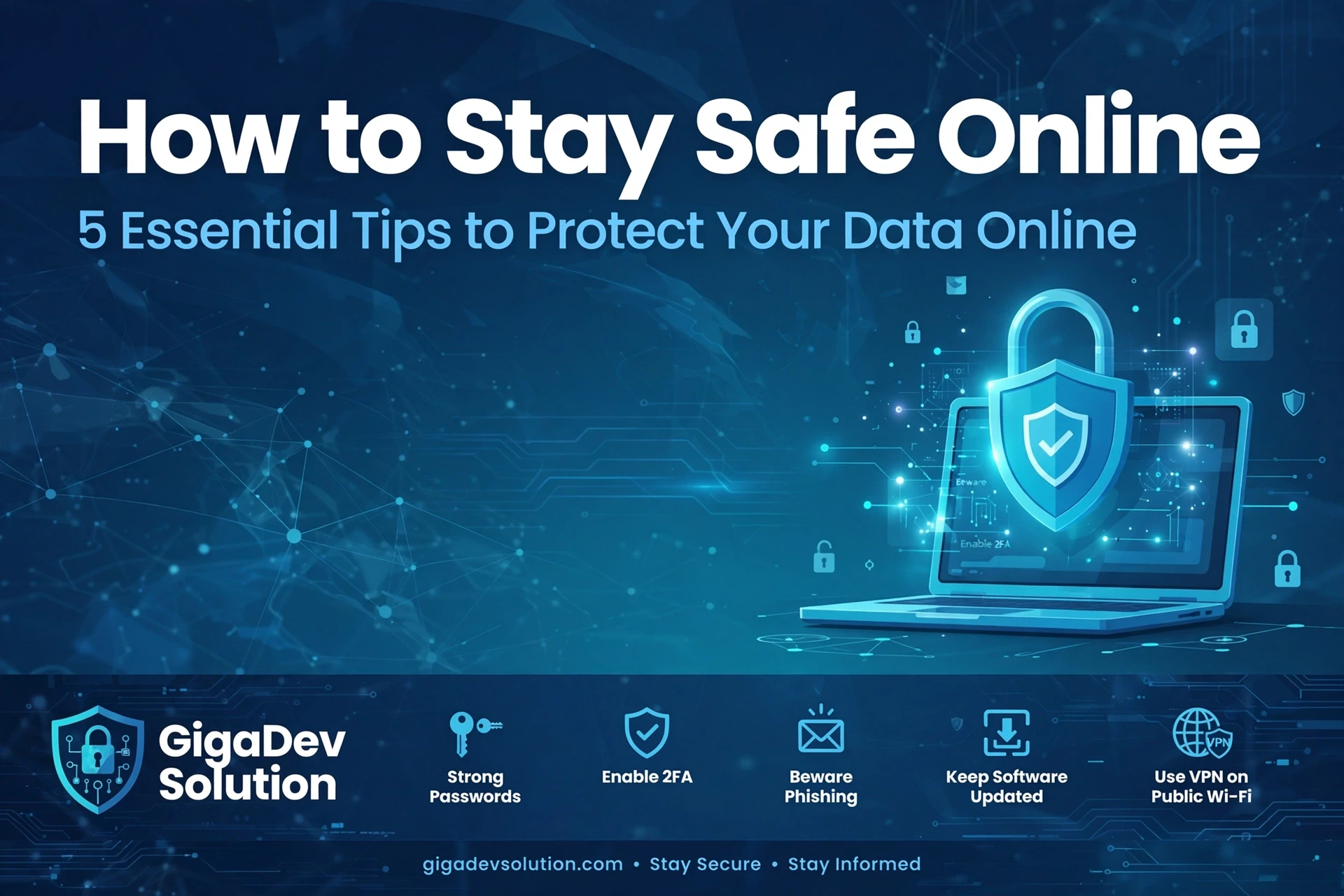
How To Stay Safe Online
Why Online Safety Matters
The internet makes everyday life easier. We use it to work, study, shop, bank, talk with friends, store photographs, and manage important accounts. That convenience also creates opportunities for criminals who want passwords, payment details, personal information, or access to devices. Staying safe online does not require advanced technical knowledge. It mostly depends on simple habits, careful decisions, and knowing when something feels wrong. The following steps can help you protect your digital life without making every click feel stressful or complicated. Start with one change, then build from there until safer behavior becomes part of your normal daily routine.
Online safety begins with attention. Most successful scams do not break through strong security systems; they persuade people to open the door. A message may create panic, promise a prize, demand immediate payment, or pretend to come from someone you trust. Slow down before responding. Read the full message, check the sender, and ask whether the request makes sense. If a bank, employer, delivery company, or relative contacts you unexpectedly, verify the request through a separate, trusted channel. A short pause can prevent weeks of financial loss, account recovery, and personal stress after a mistake made in a rushed moment.
Create Strong and Unique Passwords
Strong passwords remain one of the best defenses against account theft. A good password should be long, unique, and difficult for anyone else to guess. Avoid names, birthdays, phone numbers, favorite teams, and common phrases. Length matters more than confusing substitutions that replace letters with predictable numbers. Consider using several unrelated words that you can remember but other people would never connect with you. Never reuse the same password across email, banking, shopping, work, and social accounts. One stolen password can otherwise give an intruder access to many parts of your private online life at once, with serious lasting consequences.
Remembering a different password for every account is unrealistic, which is why a trusted password manager can be useful. It creates, stores, and fills strong passwords so you do not need to memorize them all. Protect the manager with a long master password that you use nowhere else. Keep recovery information current, and secure any backup codes in a private place. Do not save passwords in plain notes, emails, screenshots, or unprotected documents. Those locations are easy to find if someone gains access to your phone or computer. Good organization makes stronger security practical instead of frustrating for daily use.
Add Another Layer of Account Protection
Turn on two step verification wherever it is available, especially for email, banking, cloud storage, social media, and work accounts. This adds another check after your password, such as a code from an authenticator app, a security key, or approval on a trusted device. An authenticator app or security key is usually safer than a text message, though any extra step is better than none. Save recovery codes before you need them. Never share a login code with a caller, message sender, or support agent. A real service should not ask you to reveal a private verification code during contact.
Keep Software and Devices Secure
Software updates often include fixes for security weaknesses that attackers already know how to exploit. Delaying updates can leave an otherwise reliable device exposed. Enable automatic updates for your phone, computer, tablet, browser, router, and frequently used applications. Restart devices when required so important fixes finish installing. Replace software that no longer receives support, even if it still appears to work. Unsupported programs may contain problems that will never be repaired. Download updates only through official settings, stores, or developer websites. Random popups claiming your device urgently needs a repair are often advertisements or scams designed to frighten users unnecessarily.
Your device itself needs protection because it may contain saved logins, private conversations, photographs, documents, and payment information. Use a strong screen lock, not an easy pattern or short code linked to your birthday. Set the screen to lock automatically after a brief period of inactivity. Enable device location and remote erase features before anything goes missing. Avoid leaving phones or laptops unattended in cars, offices, hotels, cafes, or shared rooms. When selling, donating, or recycling a device, sign out, remove linked accounts, back up needed files, and complete a proper factory reset. Physical security protects digital security as well.
Learn to Recognize Phishing Messages
Phishing messages are designed to look familiar. They may copy a company logo, use official language, or mention a recent purchase. Look beyond the appearance. Check the full sender address for misspellings, extra characters, or an unrelated domain. Move your pointer over links on a computer to preview the destination, but do not open anything suspicious. On a phone, visit the company through its official app or type the known website address yourself. Be cautious with unexpected attachments, shared documents, invoices, delivery notices, password warnings, and refund offers. When uncertain, contact the organization directly using trusted contact details you find independently.
Urgency is one of the clearest warning signs of an online scam. Criminals want you to act before you think, check, or ask someone for advice. Be suspicious of threats involving account closure, arrest, unpaid taxes, damaged devices, missed deliveries, or family emergencies. Also question prizes, investments, jobs, romances, and refunds that seem unusually generous. Legitimate businesses and government agencies do not normally demand payment through gift cards, cryptocurrency, or secret transfers. Tell a trusted person what happened before sending money or information. Scammers depend on secrecy and embarrassment, so speaking openly can break their control and prevent further harm.
Browse the Internet Carefully
Safe browsing starts with knowing where you are online. Before entering a password or card number, confirm that the website address is spelled correctly. A secure connection helps protect information while it travels, but it does not prove that the business behind the site is honest. Fake stores can also use secure connections. Avoid clicking advertisements that imitate download buttons or login pages. Close popups that claim you won something or that your device is infected. When visiting an important account, use a saved bookmark, official application, or address you entered yourself. Small checks prevent costly visits to convincing copies.
Public wireless networks are convenient, but they should be treated as shared spaces. Avoid banking, shopping, sending confidential work, or changing important passwords while connected to unknown networks. Use your mobile connection or personal hotspot for sensitive tasks when possible. If you must use public access, confirm the correct network name with staff and disable automatic connection settings. A trusted private network service can add protection, but it does not make unsafe websites trustworthy. Turn off file sharing, keep your firewall active, and forget the network after leaving. Never assume a familiar looking network belongs to the nearby business location.
Review Your Privacy Settings
Privacy settings deserve regular attention because services often collect more information than people realize. Review what each app can access, including your location, camera, microphone, contacts, photographs, files, and calendar. Remove permissions that are not necessary for the service to work. Limit location access to times when you are actively using an app. Check whether social posts, friend lists, profile details, and old photographs are visible to everyone or only to people you know. Delete accounts you no longer use. Less stored personal information means less material available for profiling, impersonation, unwanted contact, or targeted scams later on as well.
Think carefully before sharing personal details in public posts. Birthdays, addresses, travel plans, school names, workplace information, family relationships, and pet names can help strangers answer security questions or create believable messages. Posting holiday photographs while you are away may also announce that your home is empty. Ask friends before tagging them or sharing their location. Teach children not to reveal their school, schedule, address, or private contact details to people they meet online. Remember that deleted content may survive in screenshots, archives, messages, or downloaded copies. Share as if the information could remain public for many years to come.
Be Careful With Apps and Downloads
Download programs, browser extensions, and mobile apps only from sources you trust. Even official stores can contain poor quality or misleading products, so check the developer name, recent reviews, update history, and requested permissions. A simple tool should not need access to your microphone, contacts, messages, and exact location. Remove unused apps and extensions because each one creates another possible path into your device or data. Avoid cracked software, unofficial game modifications, and free versions of expensive products from unknown sites. Hidden harmful code often travels through downloads that appear to offer something valuable at no cost to the user.
Shop and Bank Safely Online
Online shopping is safer when you research the seller before paying. Look for clear contact details, realistic prices, understandable return terms, and independent customer feedback. Be careful with stores that appeared recently, copy product photographs, use awkward descriptions, or offer huge discounts on every item. Pay by credit card or another method that includes purchase protection. Avoid direct bank transfers to unfamiliar sellers. Do not let a countdown timer force a quick decision; many timers simply restart. Keep receipts, confirmation messages, tracking details, and screenshots of the offer. These records can help if an order never arrives or differs significantly.
Protect financial accounts with unique passwords, extra verification, and account alerts. Notifications for purchases, transfers, withdrawals, and login attempts can help you spot trouble quickly. Review statements regularly, including small charges that criminals may use to test stolen card details. Never send payment after receiving new bank instructions by email without confirming them through a known phone number. This is especially important for invoices, property purchases, payroll, and business transactions. Type banking addresses directly or use the official app. If a card or account seems compromised, freeze it immediately and contact the provider using verified details right away yourself.
Keep Reliable Backups
Backups protect you from device failure, theft, accidental deletion, and attacks that lock or destroy files. Keep important photographs, work, financial records, and personal documents in more than one place. A practical plan includes one copy on your device, another on separate storage, and another in a secure remote service. At least one backup should not remain constantly connected to your computer. Otherwise, harmful software may damage the backup along with the original files. Test restoration occasionally so you know the copies actually work. Protect backup accounts with strong passwords and extra verification, since stored copies may contain sensitive information.
Make Online Safety a Family Habit
Online safety works best when families discuss it openly. Children, teenagers, and older relatives may face different risks, but everyone benefits from calm guidance without blame. Agree on basic rules for downloads, purchases, passwords, private messages, and contact with strangers. Encourage family members to ask for help when a message feels frightening, embarrassing, confusing, or unusually exciting. Scammers often rely on victims feeling too ashamed to speak. Make it clear that quick reporting matters more than avoiding every mistake. Review privacy settings together, explain common scams, and keep emergency contact information available. A supportive conversation creates safer habits for everyone.
Know What to Do After a Mistake
If you click a suspicious link, share a password, install something unsafe, or send money to a scammer, act quickly instead of hiding the problem. Disconnect an infected device from the internet if needed. From a trusted device, change the affected password and any reused passwords. End unfamiliar sessions, enable extra verification, and review recovery details. Contact your bank or payment provider immediately if money or card information is involved. Save messages, receipts, account activity, and other evidence. Report the incident to the relevant service and local authorities when appropriate. Fast action can limit damage and improve recovery chances.
Make Safer Choices Every Day
Staying safe online is not about fearing every website, message, or new service. It is about building habits that give you time to notice problems and respond wisely. Use unique passwords, turn on extra verification, install updates, question urgent requests, limit public sharing, and keep reliable backups. Review your accounts and devices regularly rather than waiting for something to go wrong. No single tool can remove every risk, but several simple protections working together make you a much harder target. GigaDev Solution encourages readers to treat online security as routine care, just like locking a door before leaving home daily.
Popular Tags

Richard
A web developer and digital solutions professional with experience in website development, SEO, social media management, graphic design, and IT support. He is passionate about helping businesses strengthen their online presence through effective websites, creative digital content, and practical technology solutions. As the founder of GigaDev Solutions, he works with businesses and organisations to improve their digital visibility and support business growth.
Comments 0
Leave a Comment
Your email address will not be published. Required fields are marked *
Category
Recent News

November 11, 2026
Your Business Is Losing Sales Without a Strong Social Media Presence
November 10, 2026
How To Stay Safe Online

October 10, 2025
Innovative Customer Engagement in Modern Business

October 10, 2025
The Future of Customer Experience: Staying Ahead in Business
Popular Tags